HOPE YOU ENJOY IT!!!!
29 Mayıs 2020 Cuma
Storybird
Today's tool is STORYBIRD that lets you read and create various stories. You can read or create picture books, long-form stories, comics, flash fictions, and poetries. As teachers, we can create these and give assignments of reading those, we can keep the lesson subjects fresh. personally ı lıked the ıdea but I found it really hard to choose the pictures and write down a story about it. But for those who have an open imaginary, this would probably be more fun. I figured out that the storybird links are not working so I will just leave here all the pages of my story;
27 Mayıs 2020 Çarşamba
Toontastic
Hello! Today I am gonna talk about another application called Toontastic. With Toontastic 3D you can draw, animate, and narrate your own cartoons. It's as easy as play. Firstly you need to choose a setting and then your characters.
After choosing part, just move your characters around on screen, tell your story, and Toontastic records your voice and animations and stores it on your device as a 3D video. Toontastic is a powerful and playful way to create little lessons for your students. Which makes it useful for education. I also created a Toontastic which was easy and fun to do. I will share the link of my video below;
https://youtu.be/kdxZ91UEICA
26 Mayıs 2020 Salı
Quizlet
Hello again! Today I am going to show another tool that can be useful for education; called Quizlet. we may say that it is similar to one of the tools that we mentioned before, Kahoot. As it can be understood from its name this tool lets you to create a quiz for your students. According to me, this one is so AMAZING!!! because of the process that comes after creating part. to create a Quizlet all you have to do is typing the topic, explanation of the quiz, and then the questions and the answers. You can also add photos to each question if you want
I also created a Quizlet about the phrasal verbs. The link will be below just in case you want to check it;
https://quizlet.com/tr/509770280/ingilizce-phrasal-verbs-flash-cards/
After creating your quizlet, it converts questions to learning, carts, writing, LISTENING-writing and test versions. AND THIS IS SO COOL!!
For teachers, it can be created more effortlessly than other tools. and for the learners, I think this is so enjoyable.I also created a Quizlet about the phrasal verbs. The link will be below just in case you want to check it;
https://quizlet.com/tr/509770280/ingilizce-phrasal-verbs-flash-cards/
Duolingo, Memrise, Busuu, Mondly
Hi! Today I'm going to share some applications that help you to learn a language; Duolingo, Memrise, Busuu. You have so many language options thanks to these applications. Duolingo has 23 different languages including Welsh.
All of these have some limited features for free but if you pay an exact amount of money you can get some more features. you start to learn the language gradually with the games, training, tasks, stories, etc. Some of them even have native teachers opportunities.
Educators, for example, our German teacher has assigned us via one of these apps; Busuu. so it can be said that these tools are available for real classes too.
Among these the one that I am familiar with is Duolingo.
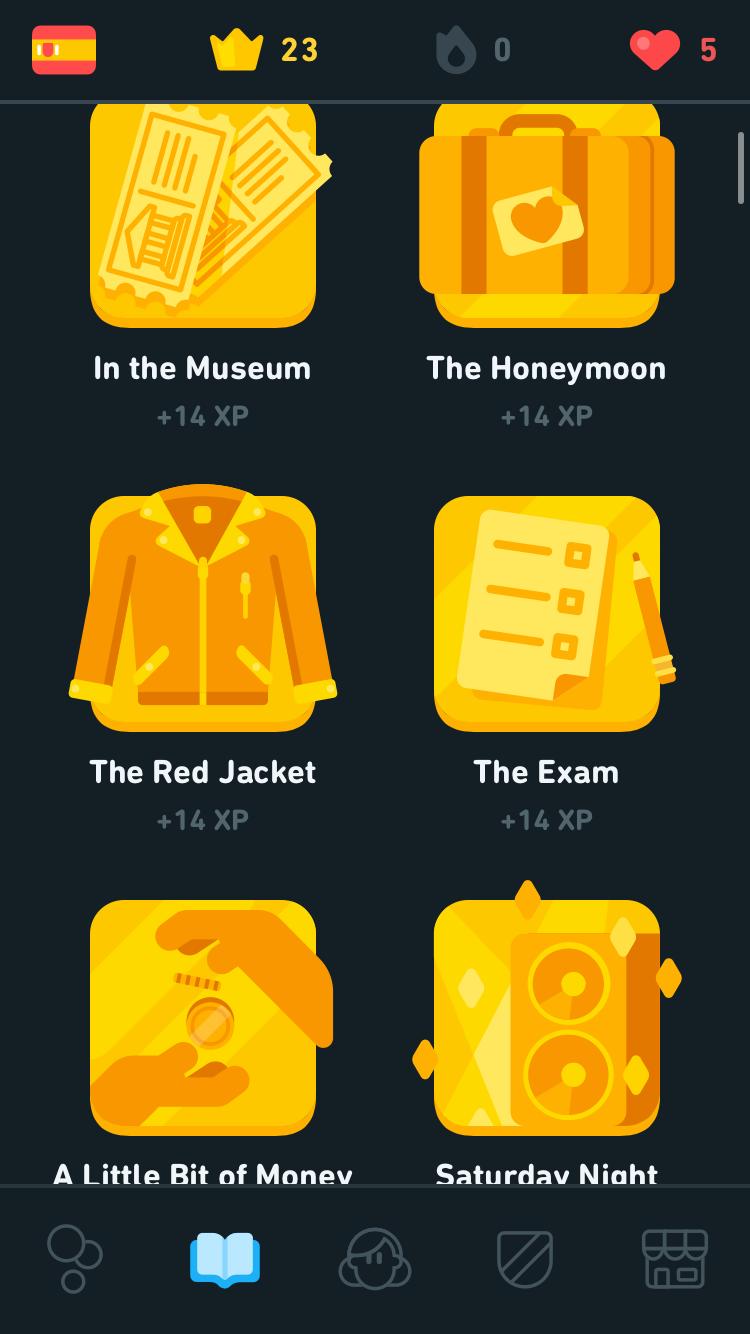
I am trying to learn Spanish. Even though I did not improve a lot, I already can understand tiny things included in speeches. I think it really helps you to progress.
I just did some training and read some of the stories and those were enough for me to feel as if I'm a Spanish machine. so if you coddle on it I believe that will make huge differences.
If you want you can try one of these applications on yourself. Good Luck!!!
21 Mayıs 2020 Perşembe
Seesaw
Hi! Today I am going to show you another application called Seesaw. It is a tool that can be used to keep in touch with your actual class. Because you just have the same class online thanks to this app. All you have to do is create a class at first.
After creating it you can keep teaching your lessons, share some assignments or announcements. Thus keep in touch with them.
What Can Teachers Do with Seesaw?
• Unlock creativity for all students in any subject
• Gain insights to meet students where they are
• Engage families in conversations centered on student learning
• Give students a space for ownership and choice
• Get inspiration and ideas for your classroom
• Celebrate and recognize student progress
Plus, if you need some inspiration as a teacher, there are so many different Activities that belongs to other users to inspire you. You may take a look at them.
I also created an assignment for my students here is the link in case you want to check it out;
Padlet
Hi everyone!! This blog’s topic is the application Padlet!!
Padlet is a digital canvas to create beautiful projects that are easy to share and collaborate
It works like a piece of paper. It gives you an empty page (a padlet) and you can put whatever you like on it. Drag in a video, record an interview, snap a selfie, write your own text posts or upload some documents, and voila! A padlet is born. Make it even more beautiful by choosing custom wallpapers and themes. There are some different themes as you can see below;
Padlet is different from other blogging tools and inspiration boards because it's flexible. Create a grocery list, a Venn diagram, a discussion board, a group greeting card, a portfolio, or a business plan, all in one app. Used by teachers, students, professionals, and individuals of all ages, all around the world, padlets can be selectively shared and edited among multiple contributors.
So as teachers, we may edit padlets about the content of our lessons, and can share it with our students. Thus we can keep their knowledge fresh. Or we can also make it a tool to create tasks. I created a task on Padlet and here is the link of it;
https://padlet.com/kilicleyla00/t34gxbghake47974
Padlet is a digital canvas to create beautiful projects that are easy to share and collaborate
It works like a piece of paper. It gives you an empty page (a padlet) and you can put whatever you like on it. Drag in a video, record an interview, snap a selfie, write your own text posts or upload some documents, and voila! A padlet is born. Make it even more beautiful by choosing custom wallpapers and themes. There are some different themes as you can see below;
Padlet is different from other blogging tools and inspiration boards because it's flexible. Create a grocery list, a Venn diagram, a discussion board, a group greeting card, a portfolio, or a business plan, all in one app. Used by teachers, students, professionals, and individuals of all ages, all around the world, padlets can be selectively shared and edited among multiple contributors.
So as teachers, we may edit padlets about the content of our lessons, and can share it with our students. Thus we can keep their knowledge fresh. Or we can also make it a tool to create tasks. I created a task on Padlet and here is the link of it;
https://padlet.com/kilicleyla00/t34gxbghake47974
19 Mayıs 2020 Salı
Kahoot!
Hello, everyone! Today in this blog we are going to examine Kahoot! What can we do with this tool? How can it make lessons more enjoyable?
As a high school student who is getting ready for the university exam, I experienced Kahoot in class. Besides bringing fun inside the class, it also makes it simpler to learn vocabulary. It can be practiced at the end of the lesson for the last 10 minutes.
To create a Kahoot; firstly you need to sign in. and then you can start to create it.
After typing your question, you should add answers and choose the correct one. You can edit the time, score, and selection of the question. You may add a photo or a youtube link to your question. To create another question you should click to the 'Add Question' button on the left. There are two different question types for free; Quiz and True-False.
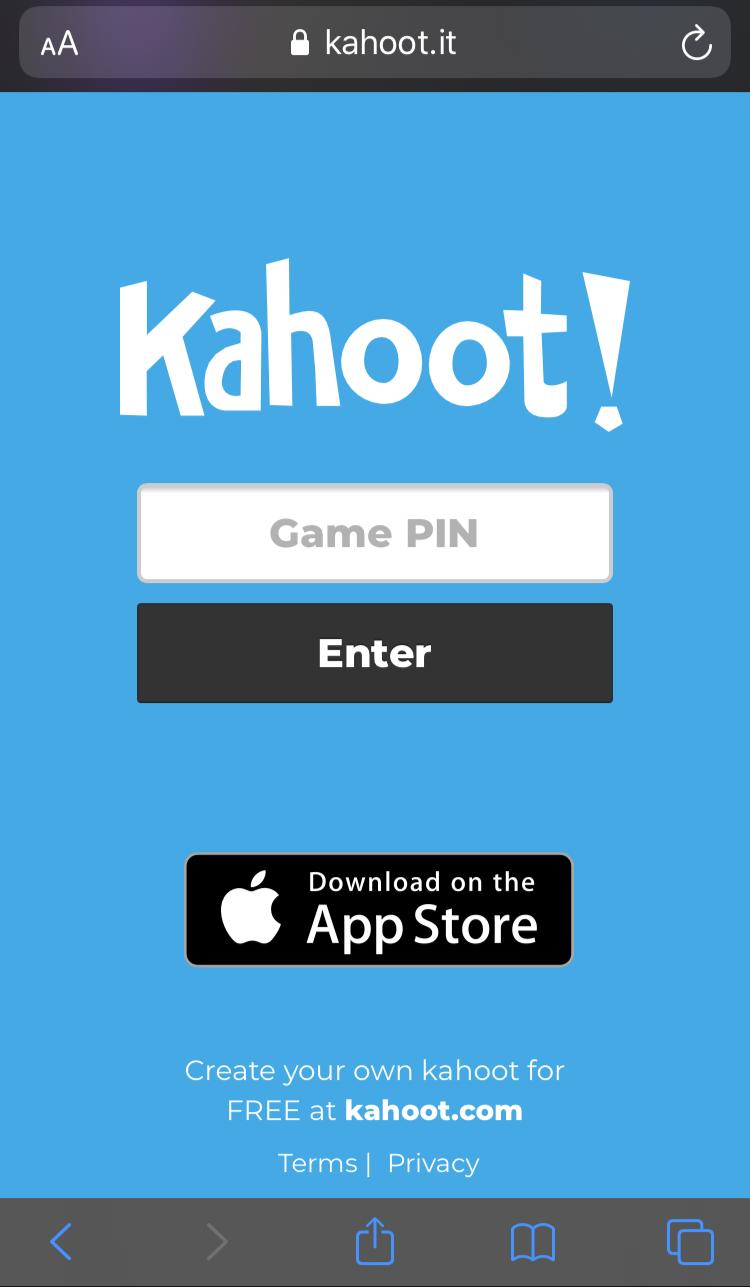
To play a Kahoot in class; all your students needed to have a mobile phone or tablet computer and internet connection. They should google Kahoot and then, all they have to do is typing the game pin and their names. Then let it start, play!
I also created a game on Kahoot it is created for students to practice phrasal verbs. It includes 10 questions, 5 of them are true-false and the other 5 is quiz questions. Students have 10 seconds for each quiz and 5 seconds for each true-false question. The link will be below in case you want to check it;
https://create.kahoot.it/share/phrasal-verbs/b9e55431-df9f-4e2a-81f8-c0a83ae6ed73
Kaydol:
Kayıtlar (Atom)